
Search
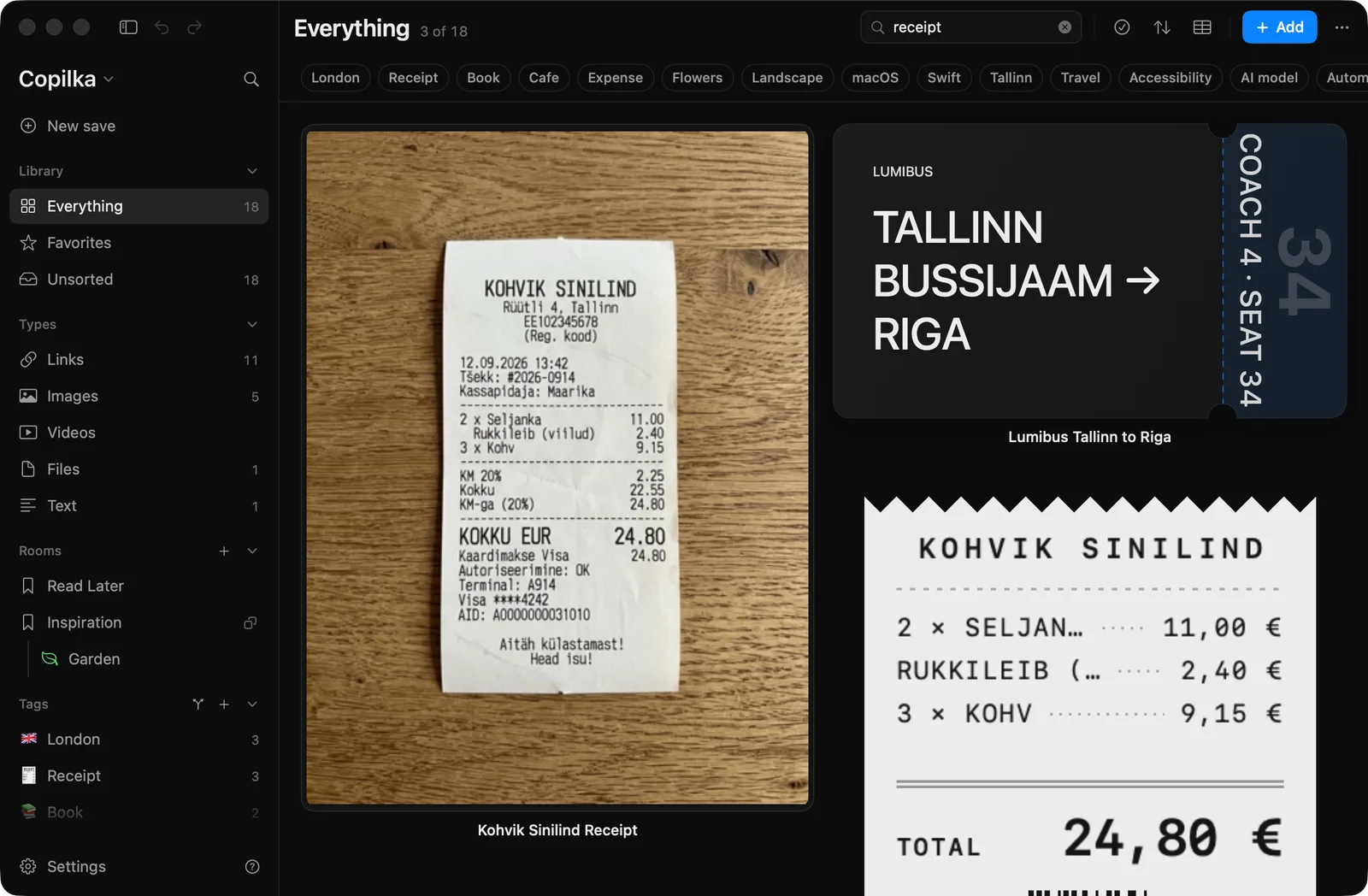
Press ⌘F, or click the magnifier in the top bar, and a field opens with the placeholder Search. Type, and the board narrows as you go. The title reads 3 of 18 while a search is on.
What it searches
Section titled “What it searches”The search covers the view you are in: the smart view, the room or the tag. To search the whole library, search from Everything. In a room, the sub-room tiles are filtered by name too.
Every word you type has to appear somewhere in the item’s title, note or text, address, file path, site name or tags. Words match anywhere inside those, so tick finds ticket, and case does not matter.
The reader’s summary and facts are not searched by plain words. Properties are, with tokens.
Searching properties
Section titled “Searching properties”A word of the form name:value matches items whose property called name contains value:
stage:appliedfinds the jobs at the Applied stage.rating:5finds the five-star recipes.remote:yesfinds a checkbox that is ticked.
Tokens combine with ordinary words. Anything starting with http is treated as a word, so an address can be searched for as it is.
When nothing matches
Section titled “When nothing matches”Nothing matches. Try a shorter search, or clear it to see everything here.
The field stays open while it holds a query. Esc on the board clears it, after leaving selection mode if you were in it, and before deselecting.
On the iPhone
Section titled “On the iPhone”Each board has a search field of its own, with the same matching and the same tokens. There is no search on Home; open Everything to search the whole library. See Copilka on iPhone.